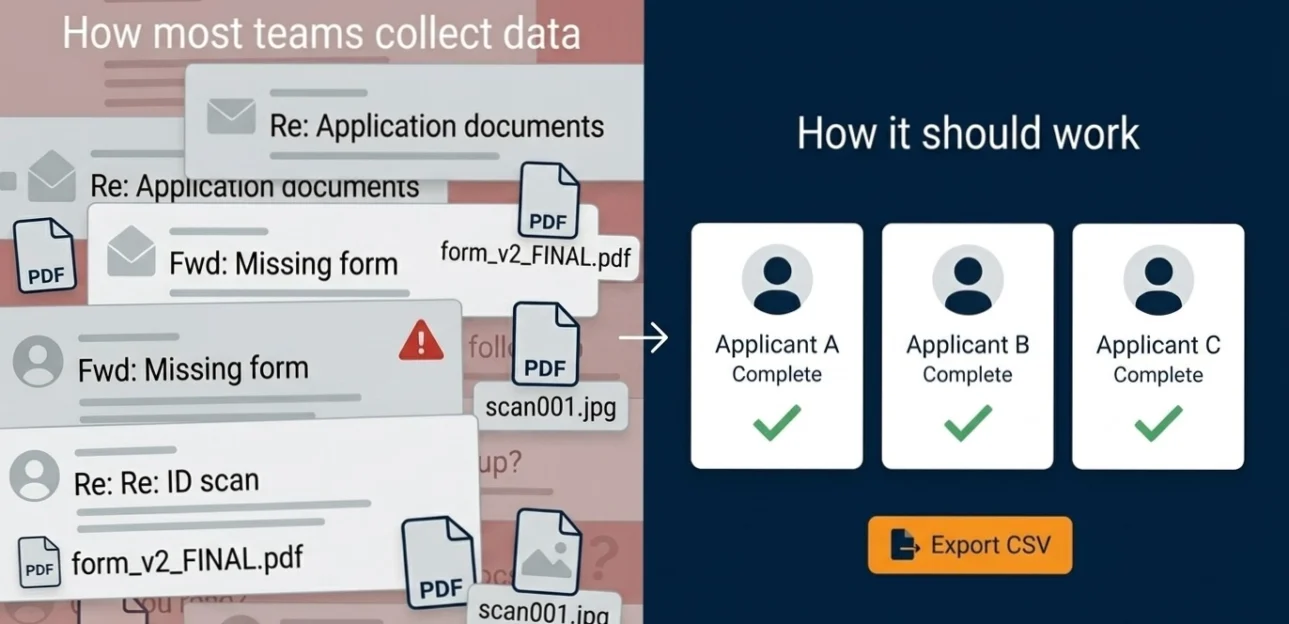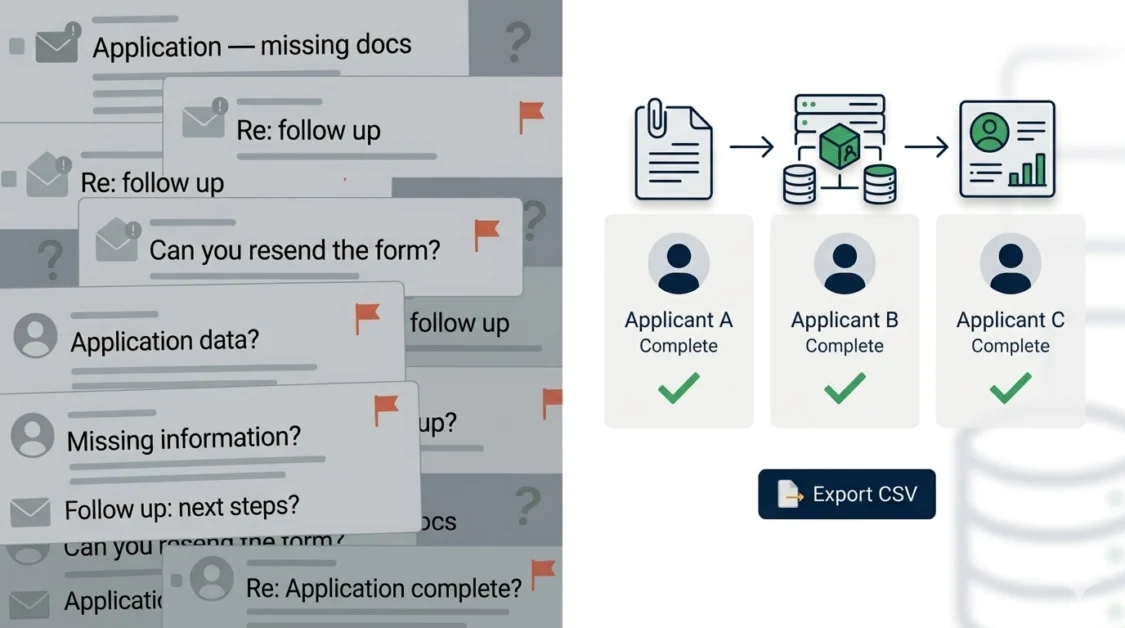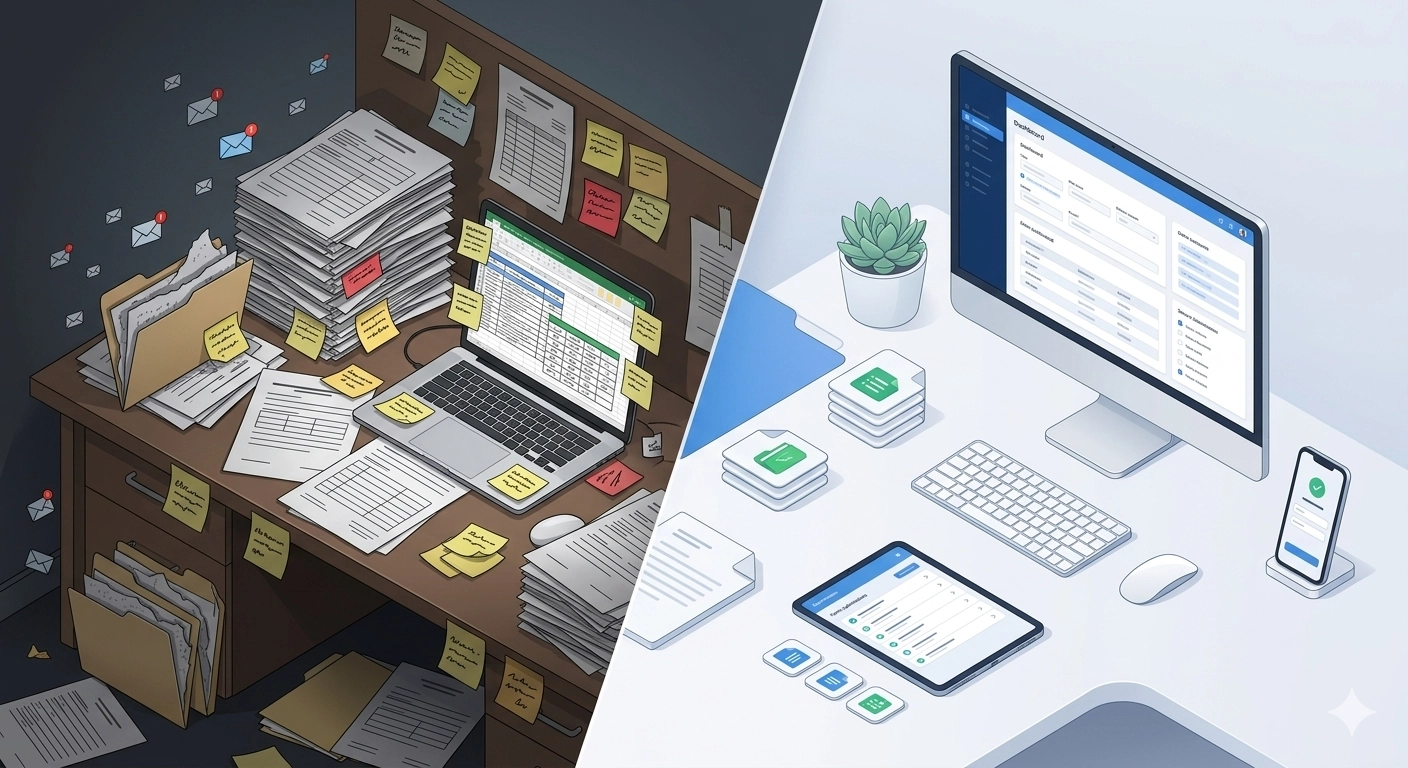

Most landlords create a rental application once, use it a handful of times, and then spend the rest of their careers recreating the same form from scratch every time a property becomes available. A new Word document. A new PDF. A new email with a new attachment. The same fields, the same questions, the same process — rebuilt every single time.
It is one of the most unnecessary time costs in property management, and it is entirely avoidable.
This guide shows you exactly how to create a rental application form that you build once and reuse forever, across every property, every tenancy, and every applicant, without starting over each time.
Why Reusability Is the Most Underrated Feature of a Good Rental Application
When landlords and property managers talk about improving their application process, the conversation usually focuses on what to include in the form. Personal details, income verification, rental history, references. The content gets a lot of attention.
What gets far less attention is the infrastructure around the form. How it is stored. How it is shared. How it is updated when something changes. Whether it needs to be recreated for every new vacancy.
A reusable rental application form is not just a convenience. It is a system. It means that every applicant across every property you manage goes through exactly the same process. Every submission arrives in exactly the same structure. Every decision is made from the same baseline of information. The consistency that creates fair, defensible screening decisions does not happen by accident. It is the result of a form built to be used repeatedly without deterioration in quality or completeness.
For landlords managing a single property, the time saving is noticeable. For property managers handling multiple units, it is significant. The difference between rebuilding your application process for every vacancy and sending a single reusable link is the difference between treating every rental as a new administrative project and running a professional operation that scales without friction.
What Makes a Rental Application Form Truly Reusable
Not every digital form is reusable in the meaningful sense of the word. A PDF you email out is technically reusable, but every submission comes back in a different format, requires manual organization, and offers no structural guarantee of completeness. A Word document template is reusable in the same limited way.
A genuinely reusable rental application form has four characteristics.
It lives in one place. Rather than existing as a file on your desktop or an attachment in your sent folder, a reusable form is hosted on a platform where it can be accessed, shared, and updated at any time without needing to redistribute a new file to applicants.
It is shareable via a single link. You send one URL. Applicants click it, complete the form on any device, and submit. No downloading, printing, scanning, or emailing required. The link works the same way every time, for every applicant, regardless of how many times it has been used before.
It validates and enforces completeness. Required fields mean applicants cannot submit incomplete applications. The form does the checking for you, so you never receive a submission with sections left blank because an applicant forgot or skipped them.
It delivers structured, organized submissions. Every completed application arrives in the same format, with information in the same fields, documents attached in the same way. Comparing ten applications from ten different applicants takes minutes rather than hours because everything is already organized.
Step by Step: How to Create a Reusable Rental Application Form
Step 1: Decide What Your Form Needs to Collect
Before building anything, map out exactly what information you need from every applicant, every time. This is your master list, and it should not change from property to property unless local legal requirements differ.
A comprehensive rental application form covers the following areas.
Personal details: full legal name, date of birth, current address, phone number, email address, and government-issued ID details where legally permitted.
Rental history: current and previous addresses, length of stay at each, landlord contact details, and reason for leaving.
Employment and income: employer name and contact, job title, length of employment, monthly income, and a request for supporting documents such as payslips or bank statements.
Lifestyle and occupancy: smoking status, pets (type, breed, and number), number of intended occupants, and any prior evictions or lease violations.
References: two references with name, relationship, phone number, and email address for each.
Consent and declaration: explicit consent for data collection, storage, reference checks, and background checks where applicable.
Being thorough at this stage means you never need to chase applicants for information they were not asked to provide in the first place.
Step 2: Identify Which Fields Should Be Required
Not every field in your form needs to be mandatory, but the core ones do. Required fields are the mechanism that prevents incomplete submissions from reaching your inbox.
As a rule, any information that would delay your screening decision if it were missing should be a required field. Name, contact details, income information, rental history, and consent are all non-negotiable. Pet information and smoking status can be optional depending on your property and preferences.
Being deliberate about required fields upfront saves significant time later. An applicant who submits a complete form takes one review cycle. An applicant whose submission is missing key information takes multiple follow-up exchanges.
Step 3: Add Document Upload Fields
A rental application form that only collects written information is incomplete. Supporting documents, payslips, bank statements, proof of identity, and references are what allow you to verify what applicants have told you.
Your form should include clearly labeled upload fields for each required document type. Each field should specify what is needed: “Upload your two most recent payslips” is clearer than “Upload proof of income” and reduces the likelihood of applicants submitting the wrong documents.
Where possible, specify accepted file formats. PDF, JPG, and PNG cover most document types. Keeping upload fields clearly labeled and organized by category means submitted documents arrive in a structure you can immediately review rather than a pile of unidentified attachments.
Step 4: Include a Clear Consent and Declaration Section
This section is legally essential and frequently handled poorly. Every rental application form must include explicit, informed consent for how the applicant’s personal data will be collected, stored, shared, and retained.
At minimum, your consent section should state what data is being collected and why, who it may be shared with, how long it will be retained, and that the applicant consents to reference and background checks where applicable.
This is a legal requirement under GDPR in the UK, the Privacy Act in Australia and Canada, and applicable data protection legislation in the US and UAE. It should be reviewed by a legal professional if you are operating across multiple jurisdictions.
Step 5: Build It on a Platform Designed for Reuse
This is where most landlords make the mistake that undermines everything else. They build a thorough, well-structured application form and then save it as a PDF or Word document, which means every subsequent use requires redistributing a file, manually organizing responses, and rebuilding the submission tracking from scratch each time.
A platform built for reusable forms changes this entirely. You build your form once, save it as a template, and access it from a dashboard where all submissions are stored and organized automatically. Each new vacancy gets the same link. Each submission arrives in the same format. The form never needs to be rebuilt.
GoPath is designed precisely for this kind of reusable workflow. You create your rental application template once, customize it to your requirements, and reuse it across every property and every tenancy. All submissions come into a single organized dashboard where you can review, compare, and manage applications without touching your email inbox. Templates can be updated at any time and the changes apply immediately across all future uses.
At $20 a month, the time saved on a single vacancy more than covers the cost for most property managers.
Create your reusable rental application form on GoPath
Step 6: Test It Before You Use It
Before sending your form to applicants, complete it yourself as if you were a prospective tenant. This single step catches more problems than any amount of proofreading.
What you are checking: Are all required fields clearly labeled? Do upload prompts specify the right file types? Is the consent section clear and complete? Does the form work on a mobile device? Does it submit correctly and generate a confirmation?
A form that is confusing or broken from the applicant’s perspective leads to abandoned submissions, incomplete responses, and applicants contacting you directly for clarification. Five minutes of testing prevents hours of follow-up.
Step 7: Set Up Your Submission Workflow
A reusable rental application form is only as effective as the process built around it. Before your first applicant submits, you should know exactly what happens next.
Define your review timeline: how quickly will you review submissions after they arrive? Set a response commitment, whether that is 24 hours or 48 hours, and stick to it. Serious tenants in competitive markets do not wait indefinitely.
Decide how you will handle incomplete submissions if any slip through. Have a clear, consistent message ready to send that specifies exactly what is missing and by when you need it.
Know where submitted documents are stored and how long you will retain them after a decision is made. Under GDPR and equivalent data protection legislation, holding personal data beyond its necessary retention period is a compliance risk.
How to Use the Same Form Across Multiple Properties
One of the most valuable aspects of a reusable rental application form is its ability to work across an entire portfolio without modification for each property.
The key is building the form around the applicant rather than the property. Personal details, income, rental history, and references are the same regardless of which property the applicant is interested in. Property-specific information, such as the address, rent amount, and move-in date, can be handled separately or included as a single optional field at the top of the form.
This means a landlord with five properties does not need five different application forms. They need one form, shared via one link, with all submissions landing in one place. Filtering by submission date, applicant name, or property reference takes seconds in a well-organized dashboard.
How to Create a Reusable Rental Application Form: Common Mistakes to Avoid
Building it in a format that cannot be updated. A PDF or Word document cannot be edited after it has been distributed. If your requirements change, you have to create and redistribute a new file. A platform-hosted form can be updated instantly.
Skipping the consent section. An application form without a proper data consent clause is a legal liability. This is not optional in any of GoPath’s target markets.
Not specifying document requirements clearly. Vague upload prompts lead to applicants submitting the wrong documents or incorrect formats, which means more follow-up and slower decisions.
Using too many optional fields. Every optional field is a potential gap in your information. Be deliberate about what you make optional. If you need it to make a decision, make it required.
Not testing on mobile. A significant proportion of rental applicants complete applications on their phones. A form that is difficult to navigate on a small screen will see higher abandonment rates and more incomplete submissions.
Frequently Asked Questions
Can I use the same rental application form in different countries?
Yes, with some adjustments. The core structure of a rental application is consistent across the UK, US, Canada, Australia, and UAE. What changes is the specific consent language, the right to rent or equivalent check requirements, and any jurisdiction-specific prohibited questions. A universal form with jurisdiction-aware consent language covers most scenarios.
How often should I update my rental application form?
Review your form at least once a year and whenever legislation changes in your market. Key areas to check include consent and data protection language, prohibited questions under fair housing or anti-discrimination laws, and any new document requirements introduced by local legislation.
Do applicants need to create an account to complete the form?
With GoPath, no. Applicants can complete and submit a form without creating an account, which keeps the process frictionless and reduces abandonment rates.
How do I handle applications for multiple vacancies at the same time?
A reusable form with a single link handles this naturally. All submissions arrive in one dashboard regardless of which property the applicant is interested in. Adding a property reference field to the form allows you to filter submissions by vacancy without needing separate forms.
Is a digitally submitted rental application legally valid?
Yes. Digital submissions with electronic consent and signatures are legally valid in the UK, US, Canada, Australia, and UAE. They typically provide a stronger audit trail than paper applications because they include timestamps and structured data.
The Compounding Value of Building It Once
The first time you create a reusable rental application form, the benefit is immediate. You save the time you would have spent rebuilding the process for that vacancy. The second time you use it, you save the same time again. The tenth time, and the fiftieth time, you are still saving the same time, every single vacancy, without any additional effort.
This is the compounding value of infrastructure over improvisation. A rental application form built for reuse does not just save you time today. It saves you time every time you use it, which over a property management career or a growing portfolio, adds up to something substantial.
GoPath gives landlords and property managers the platform to build that infrastructure without technical knowledge, without a significant time investment, and for less than the cost of a single follow-up hour spent chasing a missing document.